

Product Photos
Swap product variants, adjust fabric colors, or make a catalog background consistent when its hue is distinct from the subject.
Product color guideChange image color free: pick a color in one PNG, JPG, or JPEG, set a replacement color, adjust tolerance, and download the result as a PNG. Matching colors across the image may also change, so inspect the result before downloading.
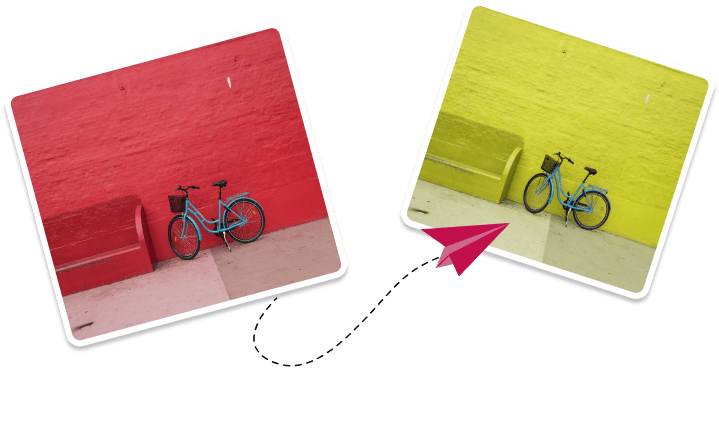
Color processing runs in your browser. Analytics and advertising services are described in the Privacy Policy.

Upload your photo to change its colors. (PNG,JPEG,JPG)

Select the source & target colors in your image.

Instantly download your transformed image.
Image Color Changer is built for quick, practical recoloring jobs: changing a shirt color in a product photo, matching a background to brand guidelines, testing packaging colors, or recoloring a simple graphic before publishing it. The editor works in your browser, so you can make changes quickly while keeping the original image under your control. New to the workflow? Start with the how to change the color of an image guide.
Swap product variants, adjust fabric colors, or make a catalog background consistent when its hue is distinct from the subject.
Product color guideLearn the general workflow for choosing source and target colors, adjusting tolerance, checking the preview, and downloading a PNG.
Image color editor guideRecolor icons, stickers, badges, and transparent PNG assets while preserving the transparent parts of the file.
PNG recoloring guideReplace matching colors in photos, account for compression shades, and download the checked result as PNG.
JPG color guideTest new brand colors, seasonal palettes, and campaign variants on simple logo files before sending them into a full design workflow.
Logo recoloring guide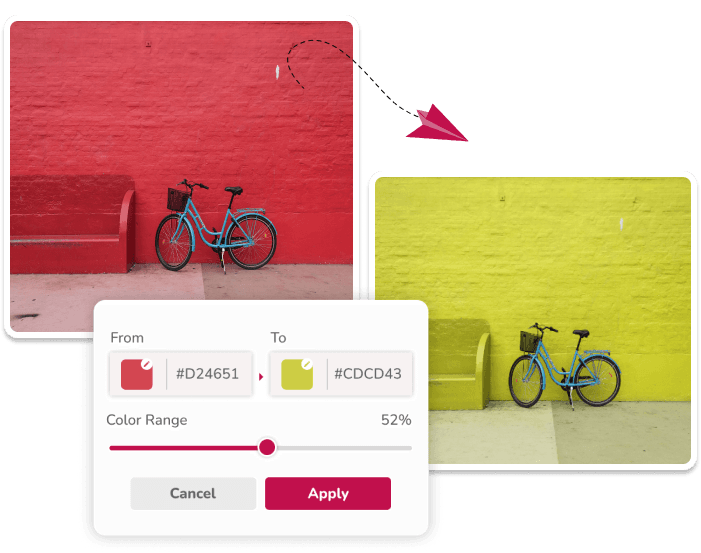
Choose the source color, select a new shade, and tune the tolerance until the changed area looks natural. This is useful for recoloring objects, backgrounds, artwork, and product details. Similar hues elsewhere can also change, so inspect the result.
Try the EditorAdd more than one source and target color when a photo has several areas that need to change together. It helps when you are testing a full palette or preparing several brand-matched assets.
Try Multiple Replacements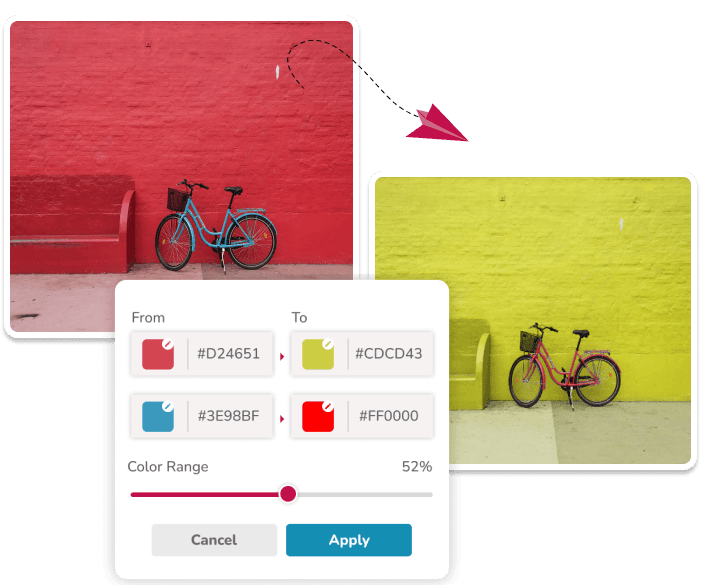
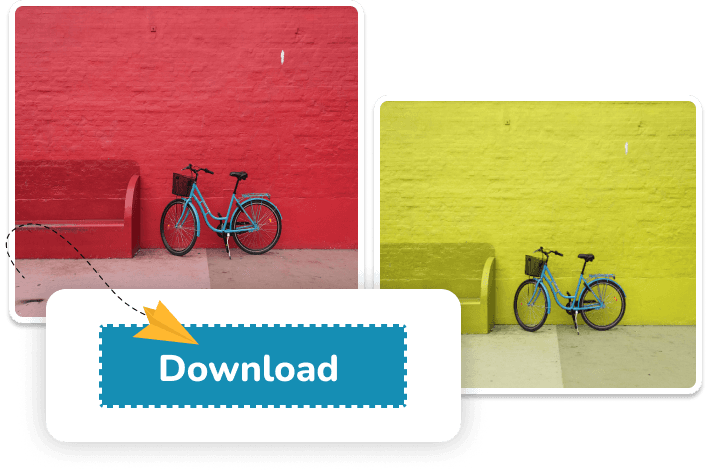
After checking the preview, download the transformed image as a PNG.
Try the EditorPreview different color variants for clothing, accessories, packaging, and marketplace photos before creating final assets.
Change a simple, distinct background hue for a website or social graphic. The editor does not create an object mask.
Adjust simple graphics to a target color reference while retaining alpha. Check anti-aliased edges after processing.
Upload a PNG, JPG, or JPEG, choose the color you want to replace, pick the new color, adjust tolerance, and download the edited image from your browser.
The tool changes pixels with matching hues across the image; it does not select an object or create a mask. Similar colors elsewhere may change, so use a lower tolerance for a narrower match.
The color-processing step runs in your browser. The site separately loads the analytics and advertising services listed in the Privacy Policy.
The current editor downloads a PNG, including when the input is JPG or JPEG. PNG transparency is retained by the colour-processing step.
The full walkthrough: picking the source color, setting tolerance, and checking the result before you download.
Swap a plain backdrop for a brand color or a clean studio shade without cutting out the subject.
Preview a shirt, dress, or fabric in a new color while keeping folds and texture.
Recolor text, signatures, and watermarks inside PNG and JPG images without rebuilding the file.
Use several source and target pairs to swap a whole palette in one pass.
Get the exact HEX value of any color in your image so the replacement lands on the right shade.
What are you waiting for? Try it out now and see the magic
happen before your eyes!